


Description
Download Regina 3D Launcher – 3D launcher, productivity app, workspace, mobile productivity, Android launcher, free launcher, work from anywhere, mobile workspace
Overview
Regina 3D Launcher is a productivity-focused mobile application designed for Android users seeking to transform their smartphones and tablets into efficient workspaces. The app enables users to organize work-related files and tasks through customizable folders, streamlining access and improving workflow efficiency. By offering a visually engaging 3D interface, Regina 3D Launcher enhances the user experience, making daily tasks more intuitive and appealing. Its primary purpose is to support mobile productivity, allowing professionals and remote workers to stay connected and organized while on the go. The application is particularly suited for individuals who rely on their mobile devices for work and require a structured, visually distinct environment to manage multiple projects. The developer, Regina, has focused on creating a tool that blends functionality with aesthetic appeal, targeting users who value both performance and design. While the app is currently only available for Android, it provides a dedicated solution for users looking to elevate their mobile workspace experience. The developer did not provide additional details about the company’s background or broader product line.
Key Features & Capabilities
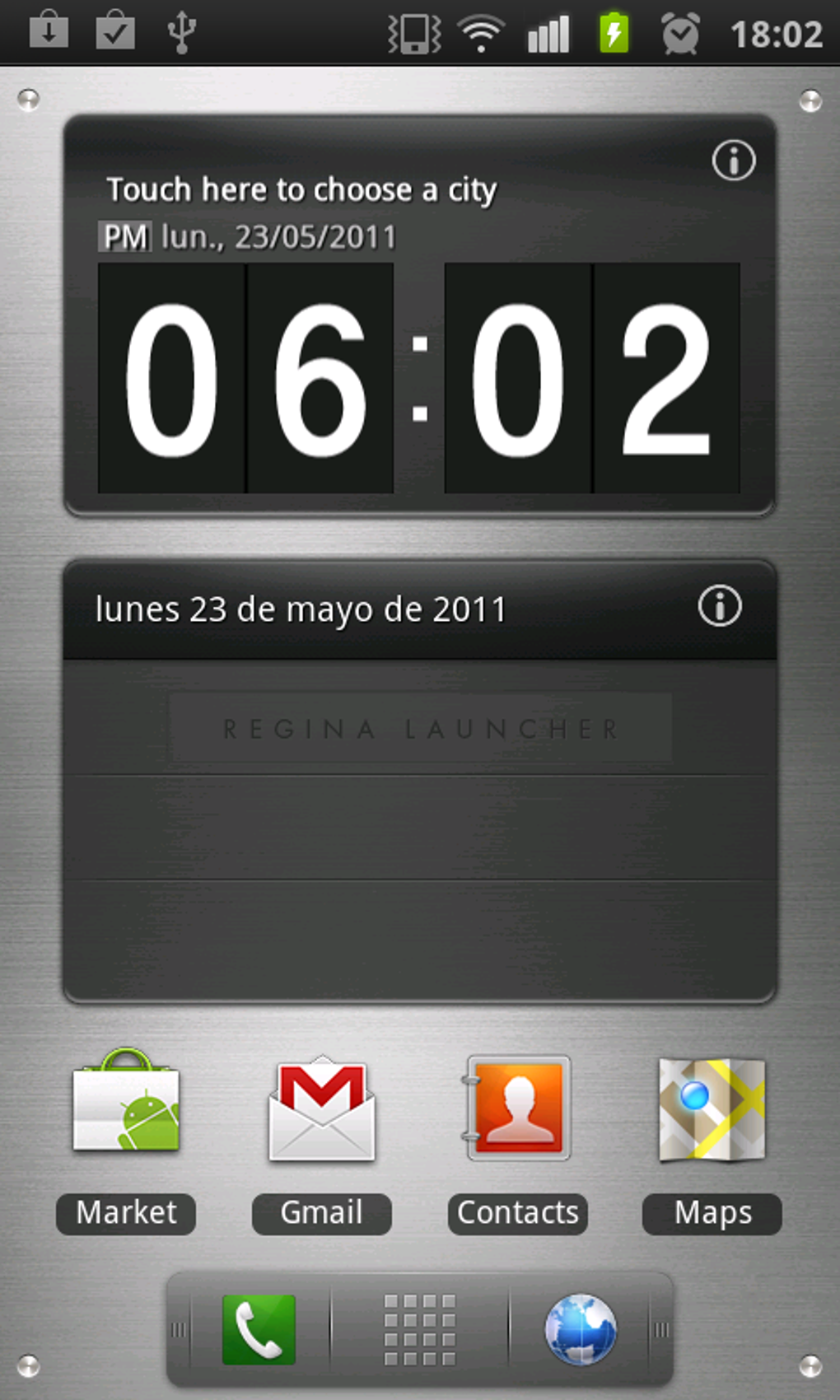
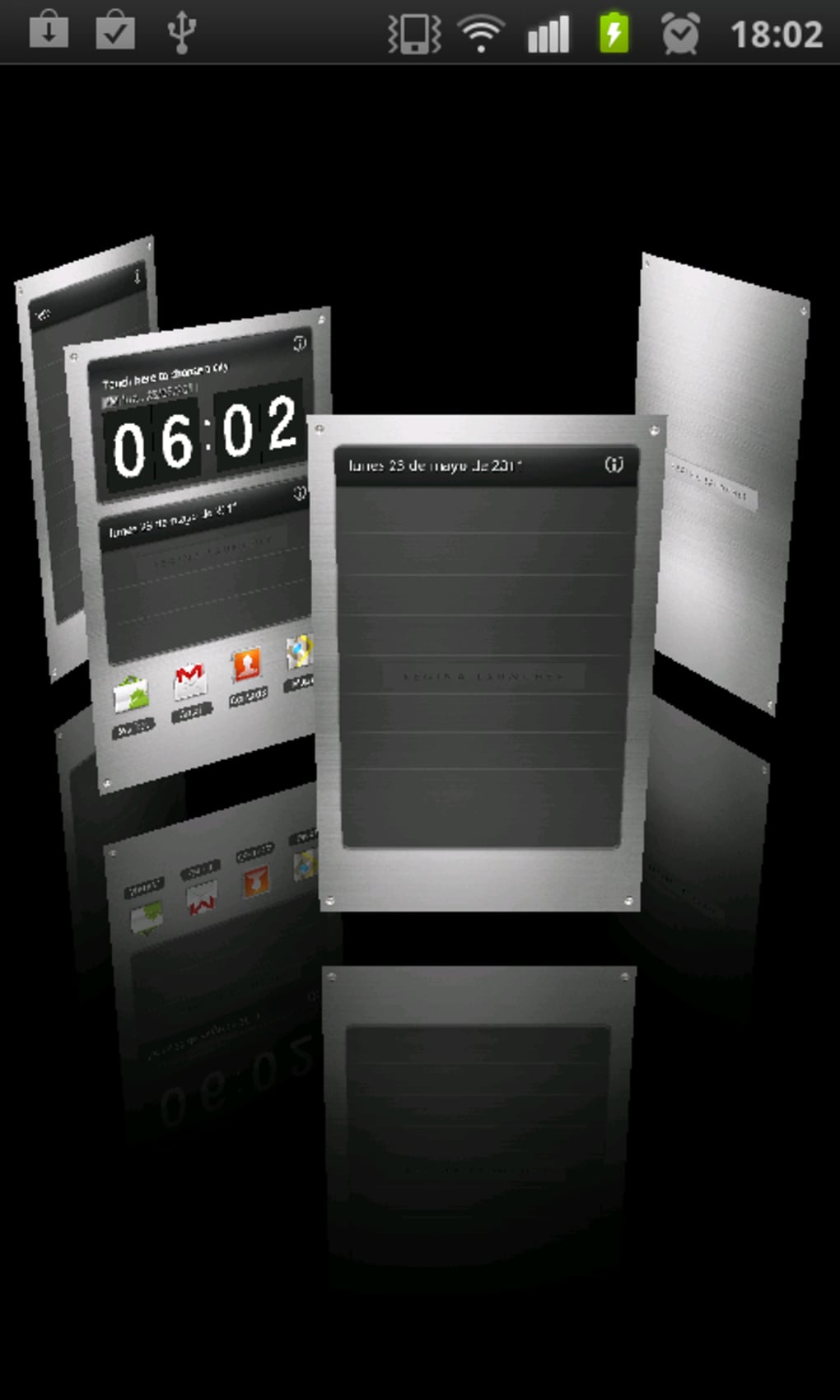
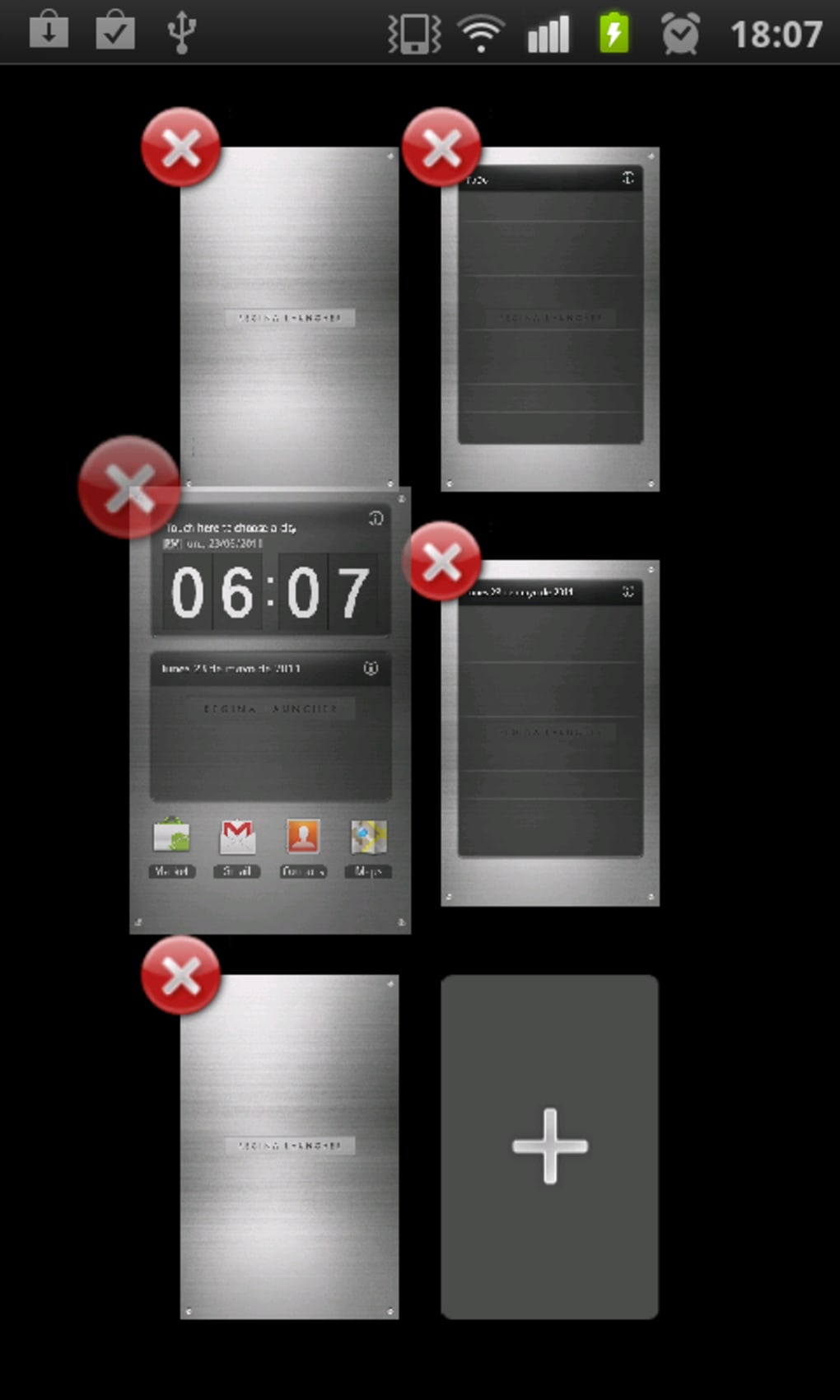
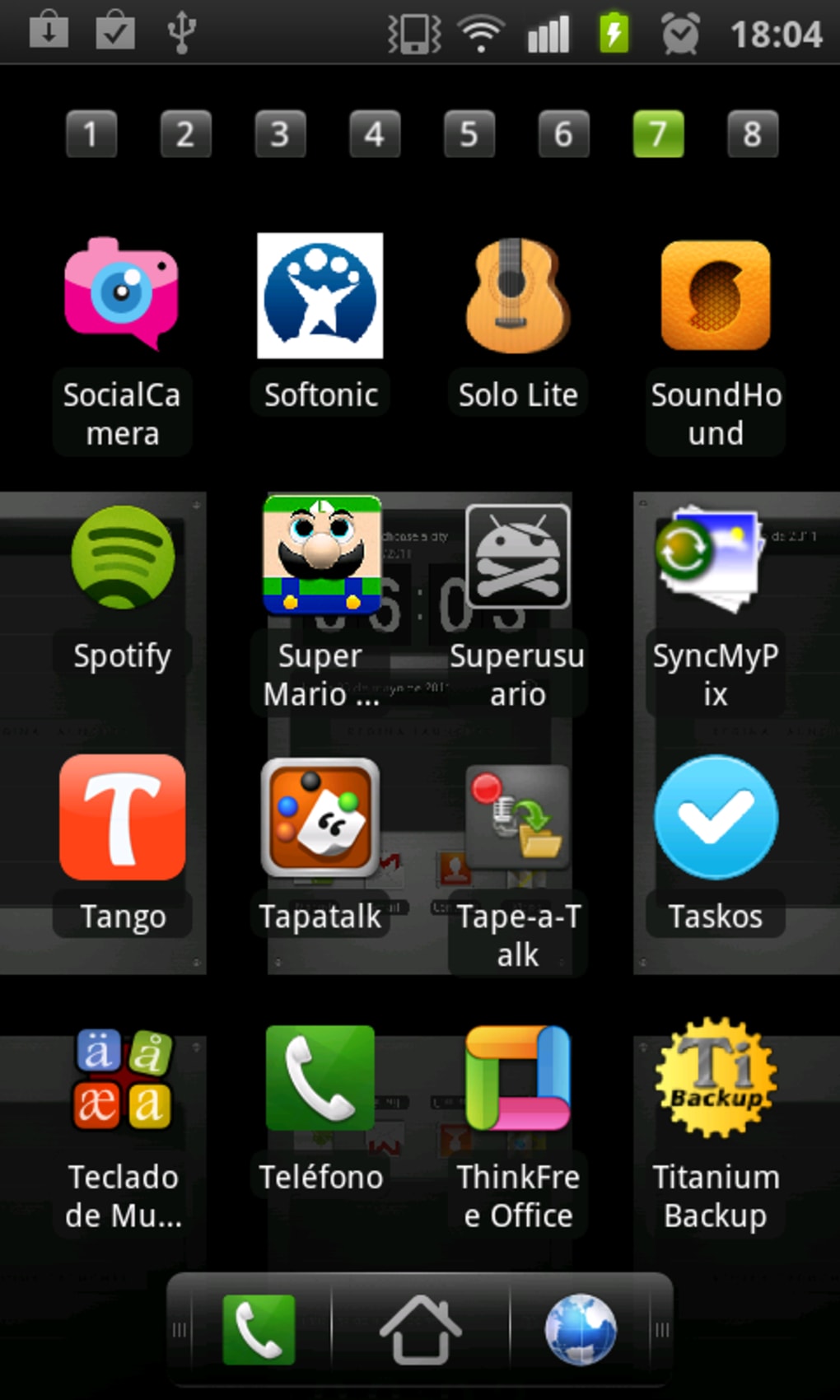
- 3D Home Screen Interface – The app features a visually immersive 3D launcher that redefines the standard Android home screen, offering a dynamic and interactive environment for managing tasks and files.
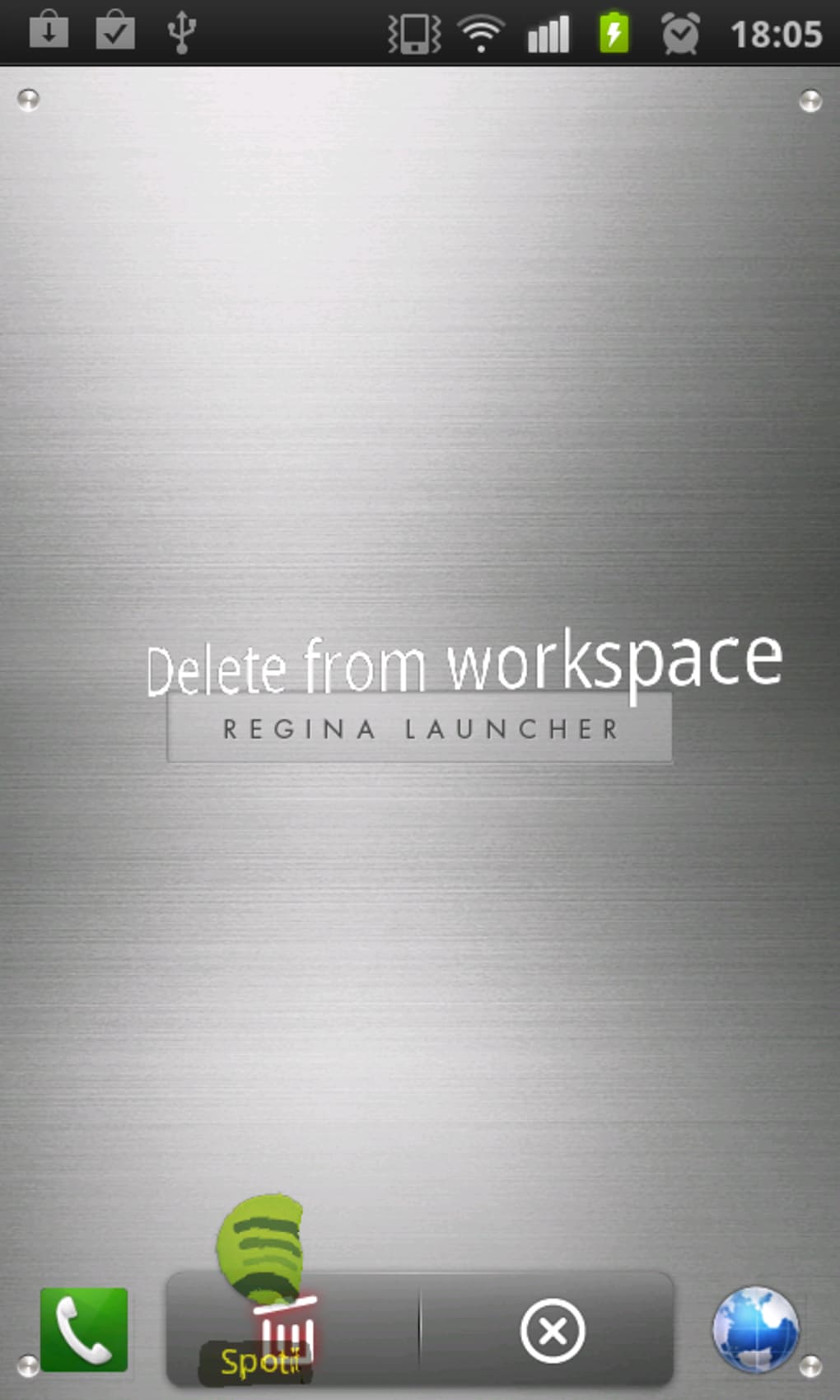
- Customizable Folders – Users can create and manage multiple folders to categorize work files, projects, and applications, improving file accessibility and organization.
- Quick Access Shortcuts – Pre-configured and user-created shortcuts allow instant access to frequently used apps, documents, or tasks, reducing navigation time.
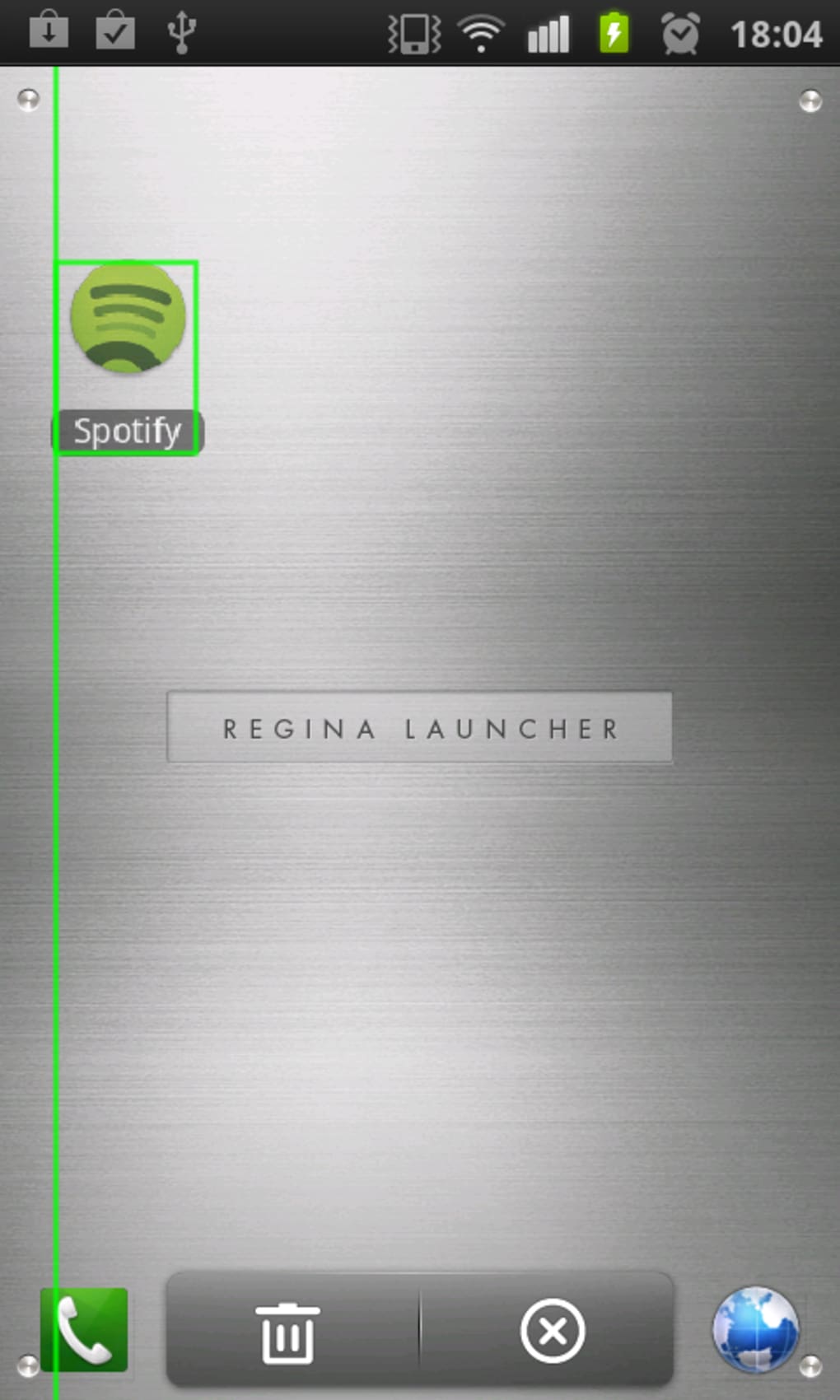
- Custom Backgrounds and Themes – A variety of backgrounds and visual themes are available, enabling users to personalize the launcher to match their preferences.
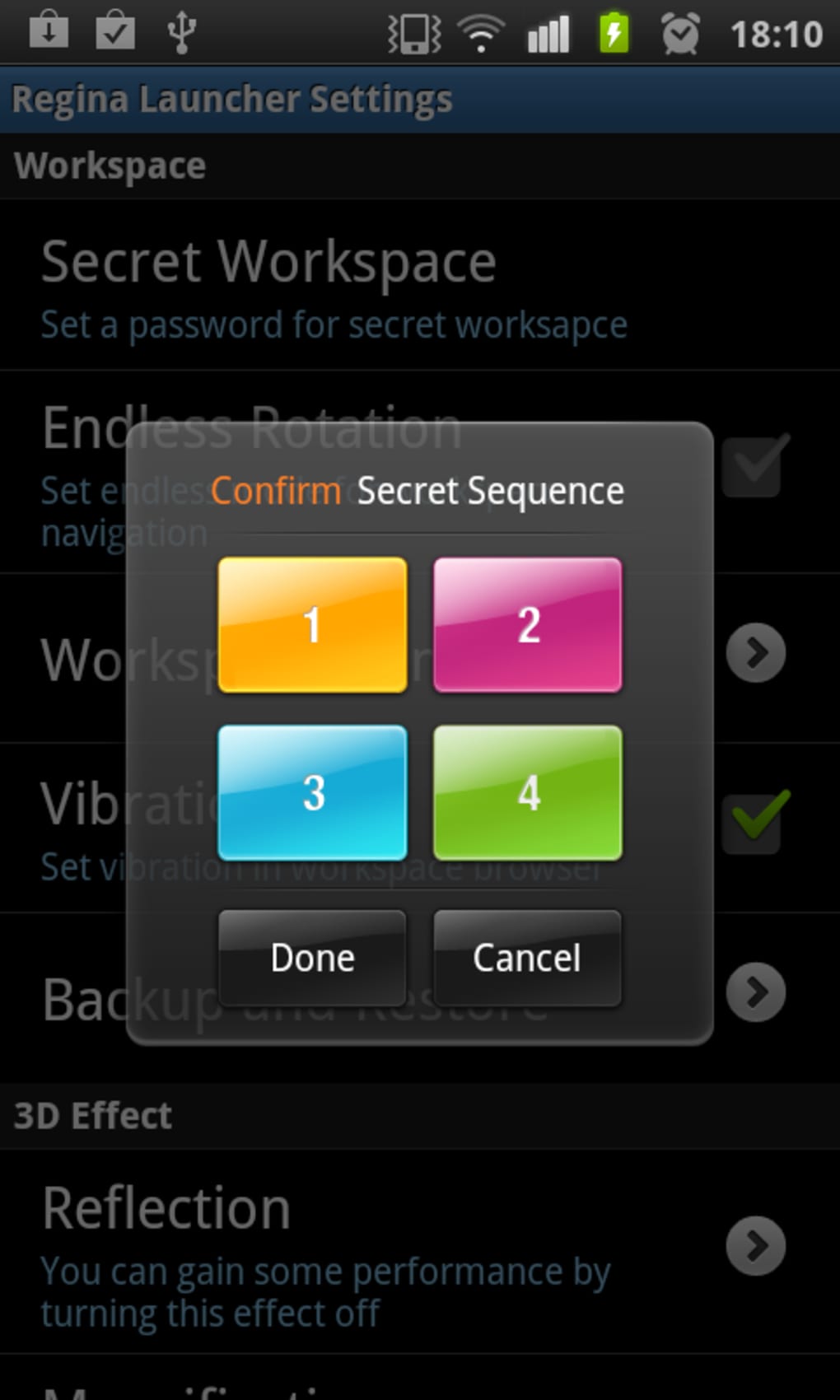
- Toggle-Enabled Features – Individual features can be enabled or disabled based on user needs, allowing for a tailored experience without unnecessary clutter.
These capabilities support real-world use cases such as managing client projects on a tablet during travel, organizing daily tasks from a smartphone, or maintaining separate work and personal environments on a single device. The app’s emphasis on visual organization and quick navigation helps users maintain focus and reduce time spent searching for files or applications. The ability to create folders in a flash makes it ideal for users who frequently switch between tasks or projects.
User Interface, Workflow & Performance
The user interface of Regina 3D Launcher is built around a 3D visual environment that enhances navigation and interaction. The layout is structured to place frequently used apps and folders within easy reach, minimizing the number of taps required to access critical tools. Navigation is designed to be intuitive, with smooth transitions between screens and responsive touch feedback. The workflow is optimized for mobile productivity, allowing users to switch between tasks with minimal disruption. The developer did not specify resource usage details, so exact performance metrics such as CPU or RAM consumption remain unknown. General software behavior patterns suggest stable operation under normal conditions, but real-world performance may vary depending on device hardware. The app’s interface is visually rich, which may impact performance on older or lower-end devices. Stability and responsiveness are expected to be consistent, though no official benchmarks were provided.
Compatibility & System Requirements
Regina 3D Launcher is compatible with Android devices and was released on July 1, 2024. The app has a file size of 25.5 MB, indicating a lightweight installation that should not significantly impact storage space. The developer did not specify exact system requirements, including minimum Android version, processor type, or RAM needs. Compatibility information was partially provided, and users are advised to ensure their device meets general Android standards for running third-party launchers. The app is not available for iOS, so Apple users will need to explore alternative solutions. No mention was made of cloud integration, hardware acceleration, or other technical dependencies.
Pros and Cons
Pros
- Free to download and use, making it accessible to a wide audience.
- 3D interface enhances visual appeal and engagement on the home screen.
- Customizable folders and shortcuts improve organization and workflow efficiency.
- Highly personalized with background options and toggleable features.
- Lightweight installation at just 25.5 MB.
Cons
- Only available for Android; no support for iOS users.
- Exact system requirements were not listed, which may cause compatibility uncertainty.
- Performance on older or low-end devices is not confirmed.
- No information provided on updates, security protocols, or cloud backup features.
- Visual richness may affect battery life or device performance.
FAQ Section
Is Regina 3D Launcher compatible with iOS devices?
Regina 3D Launcher is currently only available for Android. There is no official version for iOS devices.
Is the app free to use?
Yes, Regina 3D Launcher is available at no cost. The app does not require a subscription or in-app purchases to access core features.
Can I customize the launcher’s appearance?
Yes, users can choose from various backgrounds and themes. Individual features can also be enabled or disabled based on personal preferences.
How large is the app installation?
The app has a file size of 25.5 MB, making it a lightweight download suitable for most Android devices.
Does the app require an internet connection?
While the app may function offline, certain features like theme downloads or updates may require an internet connection.
Final Thoughts + CTA
Regina 3D Launcher presents a compelling option for Android users aiming to boost their mobile productivity through a visually engaging and highly customizable workspace. Its combination of 3D design, folder organization, and quick-access shortcuts offers a practical solution for managing work tasks on the go. While the lack of detailed system requirements and iOS support may limit its reach, the app’s free status and lightweight footprint make it a low-risk choice for Android users. It is especially beneficial for remote workers, freelancers, and students who rely on their mobile devices for daily tasks. The app’s focus on user control and personalization ensures a tailored experience. For those seeking a fresh, efficient way to organize their mobile workflow, Regina 3D Launcher delivers value without cost. Download Regina 3D Launcher now and transform your smartphone or tablet into a productive mobile workspace.
Guides & Tutorials for Regina 3D Launcher APK
How to install Regina 3D Launcher APK
- Click the Preview / Download button above.
- Once redirected, accept the terms and click Install.
- Wait for the Regina 3D Launcher APK download to finish on your device.
How to use Regina 3D Launcher APK
This software is primarily used for its core features described above. Open the app after installation to explore its capabilities.
User Reviews for Regina 3D Launcher APK 0
No reviews found





